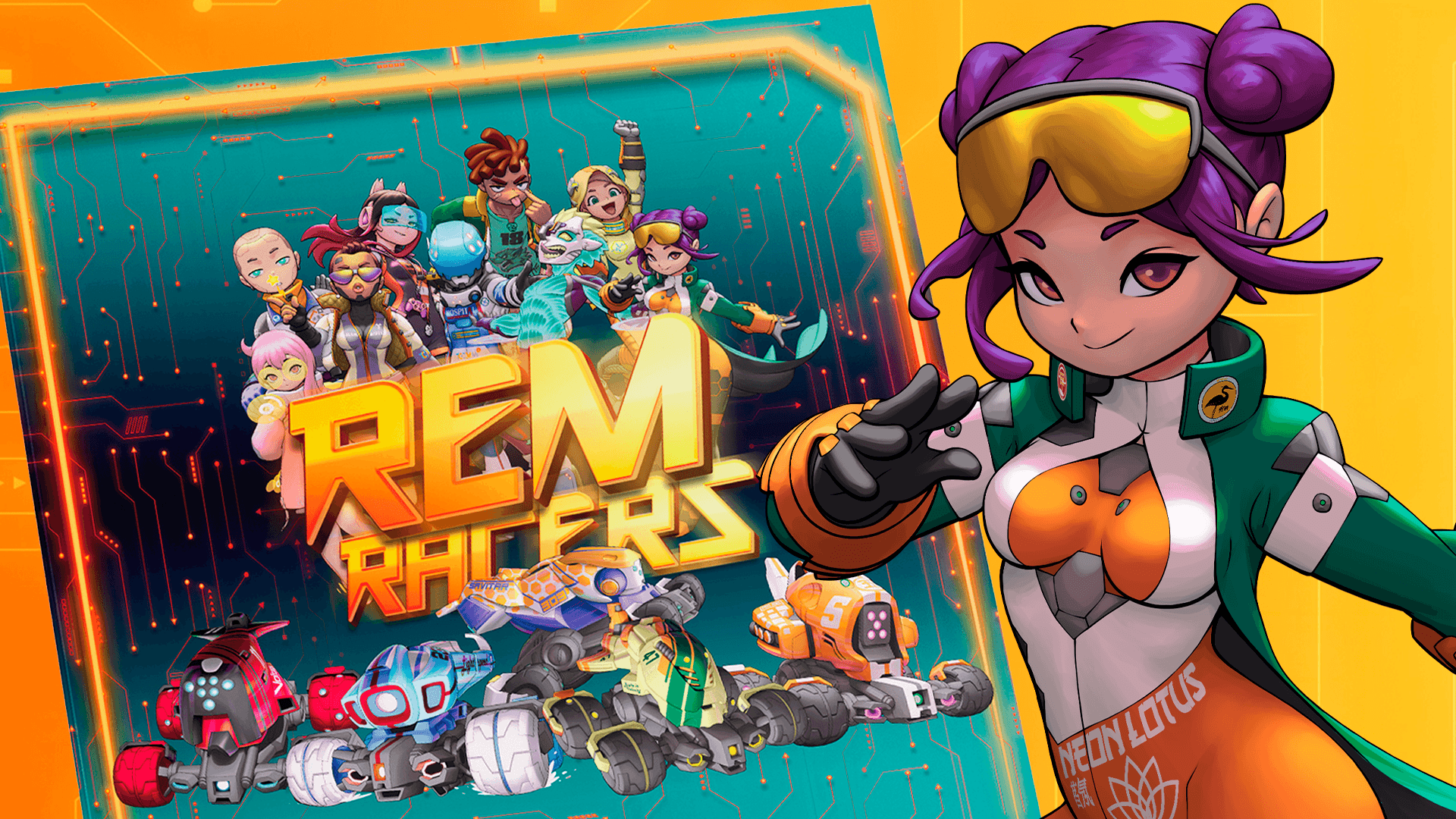
REM Racers is a fun Remotes racing game for the whole family, set in Infinity’s sci-fi Universe. The goal is to win the race by being the first to cross the finish line while surviving your rival’s attacks. To do so, you will have to drive your Remote with Movement Templates and manage your Equipment Cards to get your rivals off the track or to prevent them from doing the same.
Before we get down to work, we should know some of the words and iconography that you will find in the game:
Game basics
What is a REM Racer?
Hacker-Pilots (or REM Racers) drive through a Remote Presence system with the aid of a “flying assistant” that makes minor corrections and suggests alternative routes.
This assistant is the Remote’s “personality” and each Hacker programs it differently with a particular personality. However, the heroes of the racing sagas are still the Hacker-Pilots who program their Remotes.
In this game we have: Olga Stolyarova, Otto, Photon, Xiu Zhihang, Agnes Ferreira, Charles W.McQueen, Dalle 'Gas' Gaseel, Krisztina Yagami, and Noor Zoubi.

Remotes
During the game, the Remotes are represented by colored miniatures set on an octagonal base and a Control Panel. The panel describes their features and these will be used to... that details its features, which
will be used to manage the status of the Remote during the race.

All Remotes have an octagonal base where the front vertex is at the front of the Remote model, and the rear vertex is at the back.
Remote Attributes
All remotes present the following attributes:

1. Structure (STR)
This number represents how much damage the Remote can take before being destroyed. All Remotes have STR 3 in their profile.
2. Accuracy (ACC)

For each die roll that is equal to or higher than the Accuracy value, you score one hit.
3. Armor (ARM)
When your Remote is targeted by a Physical Attack, roll one die for each of the attacker’s hits.
For each die roll that is equal or higher than the Armor value, you block one of the attacker’s hits (avoiding one point of damage).
4. Biotechnological Protection (BP)
When your Remote is targeted by an Energy Attack, roll one die for each of the attacker’s hits.
For each die roll that is equal or higher than the BP value, you cancel one of the attacker’s hits (avoiding one point of damage).
5. Speed
This attribute determines how fast your Remote will move during your Player Turn. Its value ranges from
1 to 4 (top speed).
When moving your Remote along the circuit, you can only use Movement Templates marked with the same Speed value. The higher the Speed, the more distance the Movement Templates allow you to
cover.

Racetrack
The circuit is created by using a combination of the various tiles. You can combine them in any manner you wish,
or you can follow some of the example circuits that you’ll find at the end of this manual.
Additionally, Remotes may come across certain elements along the racetrack that affect them:


Sectors
Each of the racetrack’s tiles is a sector that begins and ends at the very edges that connect the tile to the others. A Remote is considered to be inside a sector if has crossed the first edge of the sector.
Equipment cards

Inner walls
Some tiles have inner elements that prevent movement, for example the Hairpin Curve tile. If a Remote makes
contact with these elements, you must resolve a crash as if the element was the edge of the racetrack.
Redirection zones
When your Remote, or the template you are using to move it, contacts one of these zones, your Remote’s movement is interrupted. Place the Remote in the center of the zone and turn it in any direction, you wish.
However, the use of these zones is not mandatory.
Setting up

- Set up the racetrack. For your first game,
we strongly recommend laying out the tiles
to form the circuit shown in this diagram.
However, you can always choose to build
the track any way you see fit!! - All players should have access to:
- The State markers are separated in different piles (“Crazy Move”, “Drift Mode”,
“Electric Pulse”, and “Locked Speed”). - The Movement Templates.
- The Collision Template.
- The dice.
- The State markers are separated in different piles (“Crazy Move”, “Drift Mode”,
- Shuffle all the Equipment Cards into a deck
and place it face down. - All players choose a Remote, thus receiving
its corresponding Control Panel, the
Remote miniature that represents it and
one Player Turn marker. The Control Panels
need to be assembled, as shown in the
assembly diagram. - Each player receives a random Hacker-Pilot card then places the corresponding Hacker-Pilot Token on his Control Pad.
- Each player’s play area should have:
- Their Control Panel, with its Speed dial
set to “1” and the Structure dial set
to “3”. - Their Player Turn marker shows its
green face.
- Their Control Panel, with its Speed dial

Each player rolls a die in order to decide the lineup of the starting grid: The player with the highest result places their Remote in pole position, the player who gets the second highest result places their Remote in the second place, and so on. If two or more players get the same result, they must reroll their dice to break the tie.
And that's it for today. In the next article, we will delve into the rules of the game.
If you want to know more, go to the resources section of our website and download the REM Racers rules for free.